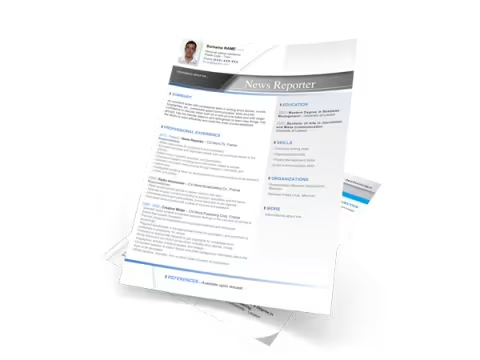
Word CV templates to download
Create your CV with ease!
CV-Word offers a variety of classic, modern, and original resume templates in Word format, along with cover letter templates, to assist you in drafting your job applications. All resume templates are created by professional graphic designers.
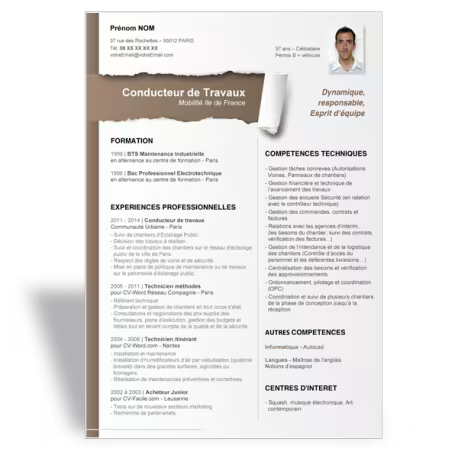
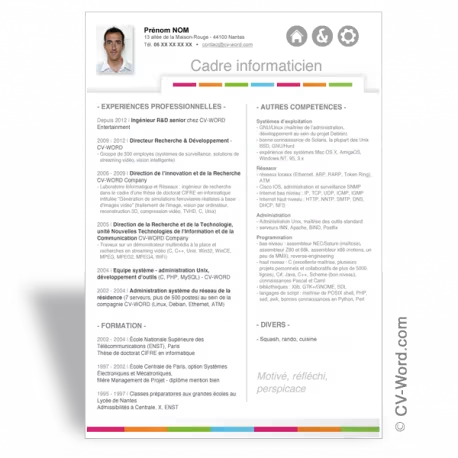
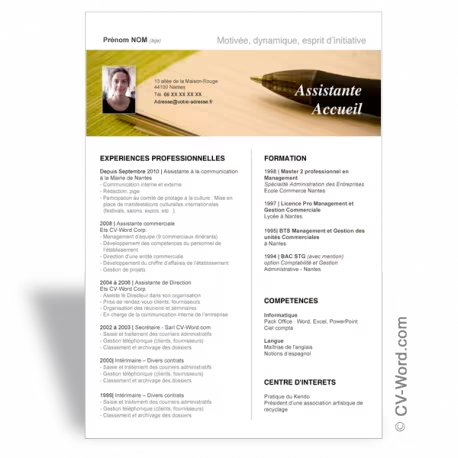
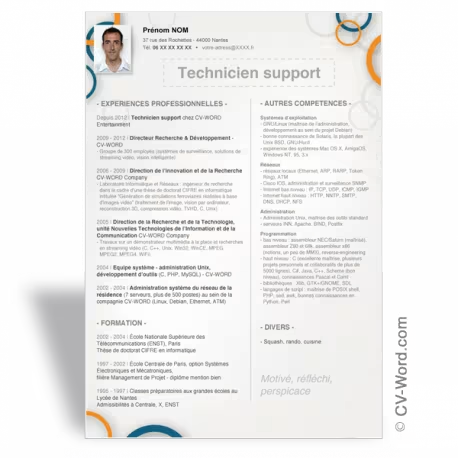
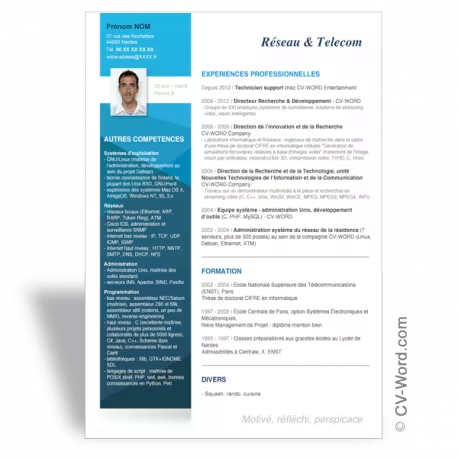
Download a Word CV template
Are you looking for a job?
Do you want to submit a speculative application, or are you responding to a job posting?
Create a CV
Create a well-designed resume that reflects who you are and suits your personality.
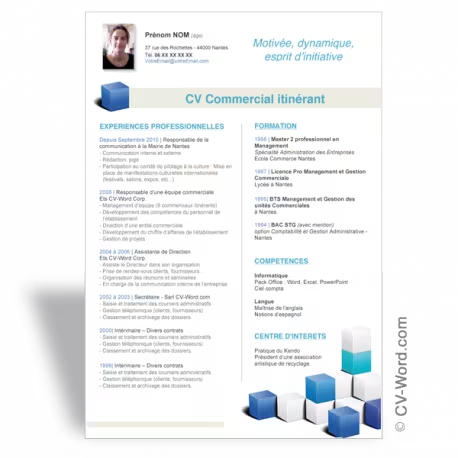
CV-Word introduces an innovative new feature that lets you choose the color of your resume quickly and conveniently. Simply select a color, and any changes you make are automatically reflected in the resume preview. All that’s left to do is download your resume template.
Your unique resume is then ready to be shared! Choose a template in the color and style you prefer to make your resume as one-of-a-kind as your own professional profile.
Try a color CV template.
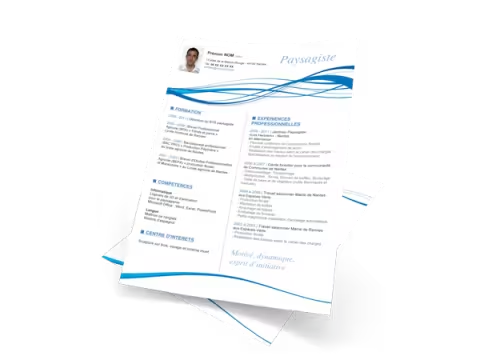
Modern CV templates
Create a well-designed resume that reflects who you are and suits your personality.
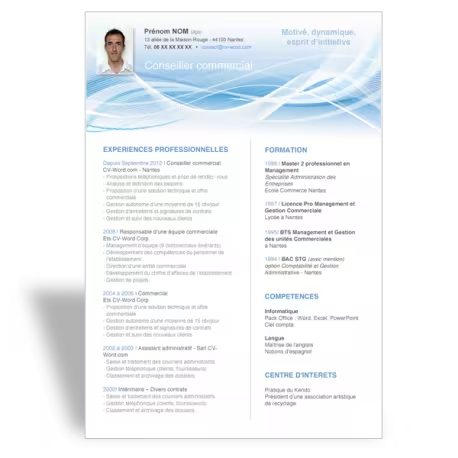
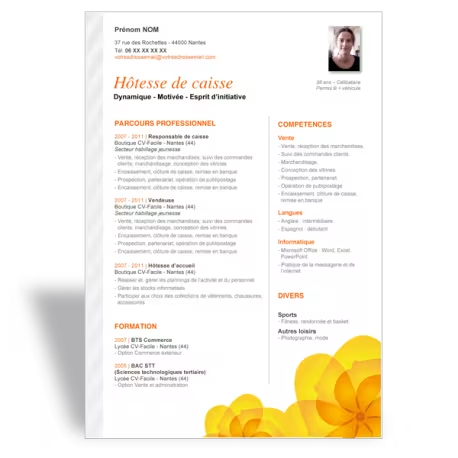
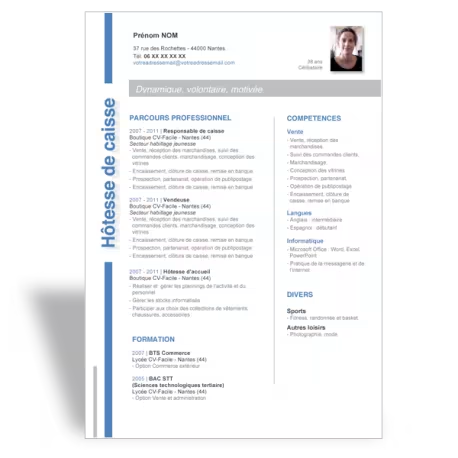
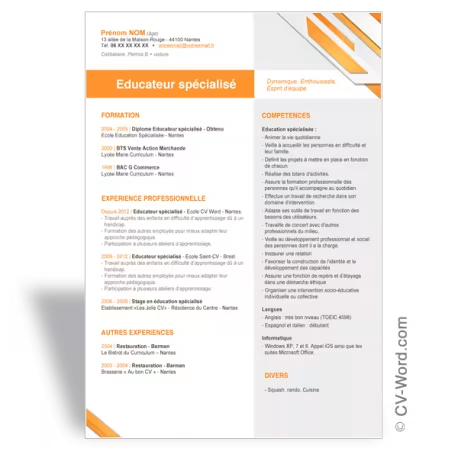
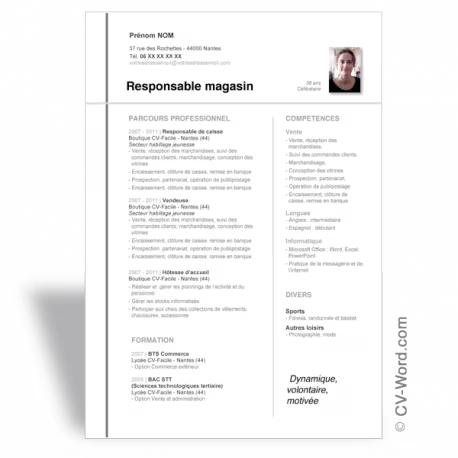
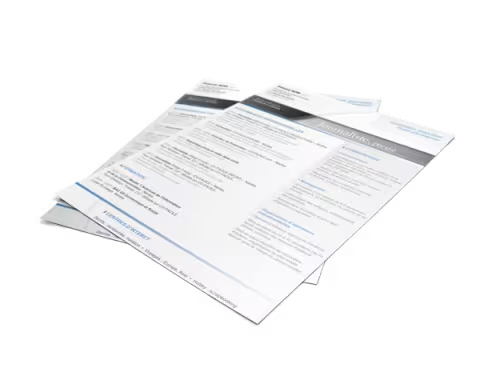
The layout of these resume examples uses a two-column structure, which enhances readability and ensures a comfortable reading experience. Take a look at the sales-focused resume example and note its modern, clean design.
These templates will help you create an effective resume, as they are designed to be easily edited. You will end up with a high-quality resume without having to handle the design work yourself. This allows you to focus entirely on the content, saving you from wasting time struggling with Word’s formatting tools.
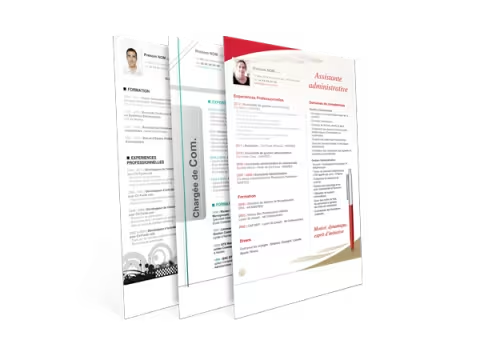
Creating an original CV
A recruiter will spend an average of 15 to 20 seconds on each resume before making an initial selection. Consequently, your resume will be evaluated—and selected—in a very short amount of time.
Find a resume template by browsing the "Resume" category or by using the search bar at the top of the site. You will discover a wide range of unique resume templates, generally suitable for all types of professions. Simply choose a design that you like and that best reflects your personality.
Drafting your resume is a crucial step in your job search. It often serves as the first point of contact between you and a recruiter. It is therefore essential to pay close attention to both the presentation and the content of your resume, ensuring you make a strong first impression and increase your chances of securing an interview.
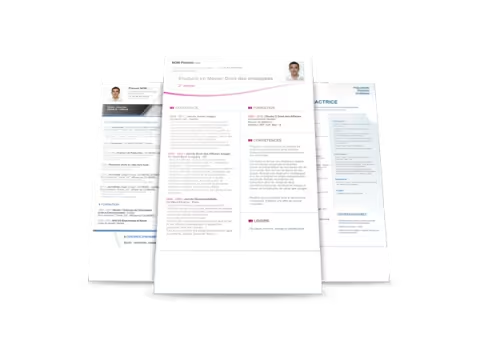
Over 100 Word templates for resumes
and cover letters available for download
Select an original Word template based on your preferences and the profession you are targeting.
Easily tailor the content of your printable resume to reflect your professional background and education.
These Word resume templates are fully customizable and editable. They are compatible with various versions of Microsoft Word (2013, 2010, 2007, and 2003) on both Mac and PC, and are also compatible with OpenOffice.
The website cv-word offers downloadable resumes for all types of professions. Some templates are versatile and suitable for any field (such as those for engineers, journalists, students, nursing assistants, etc.), while others are specialized (for example, templates for beauticians, welders/boilermakers, hairdressers, etc.). On each template presentation page, you will also find tips to help you craft the perfect resume!
View resume templates
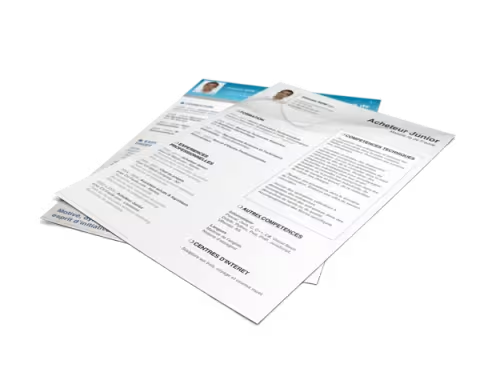
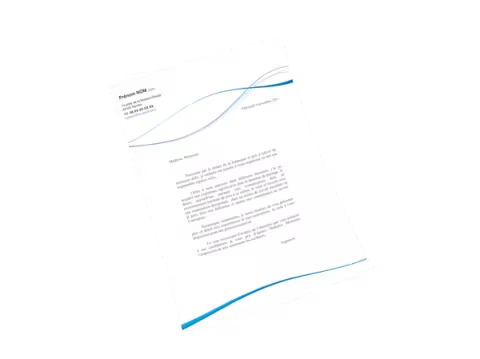
Word cover letter
A cover letter complements your CV.
It is essential for securing an internship or a job at a company.
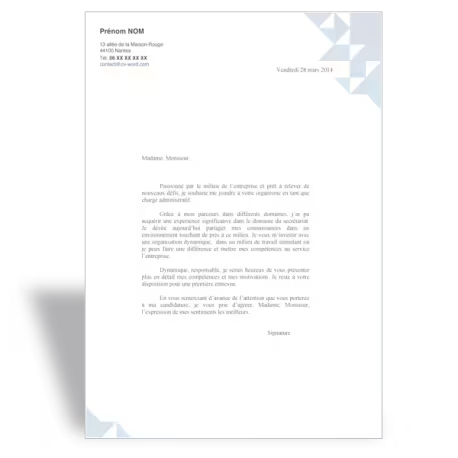
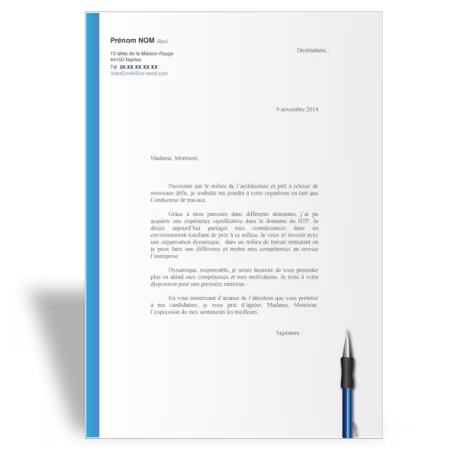
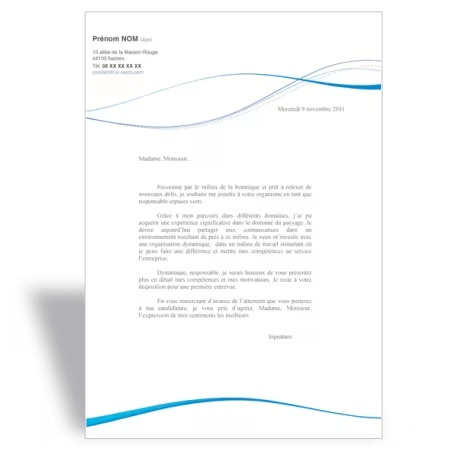
The cover letter templates are specifically designed to complement our unique resume templates. Their visual style follows the same theme as the resume, allowing you to submit both documents while maintaining a consistent aesthetic. This helps you optimize your application to make the strongest possible impression on the recruiter.
Tips for writing a CV (curriculum vitae)
The purpose of a CV is to get an interview.
Write an effective and original CV using our advice and our word CV templates
Your CV should spark a recruiter’s interest and make them want to meet you. The perfect CV is easy and pleasant to read, well-organized, and clearly highlights its various sections.
Your CV should detail your educational background and professional experience.
Your CV must outline your background, covering both your education and your various professional experiences. Focus on the key skills requested in the job posting; there is no need to include skills that are irrelevant to the position. Avoid generic, uninteresting skills. Prioritize experiences that are most closely aligned with the role you are seeking. To learn more, explore our resources on CV mistakes to avoid, tips for creating a curriculum vitae, and general job-search advice.
If you have any questions about using our templates, please don’t hesitate to contact us—we respond very quickly.
SEE ALL CV TIPS
How do I download the resume templates
and cover letter templates?
Downloading a template is very simple and can be done in just a few clicks.
Click the "download" button. The template will be added to your cart. You can then add other resume templates or proceed to checkout. You will be guided through the process of creating an account. We ask for your contact details, but please note that we never send marketing emails, and your information is kept secure. We collect this data solely to send the template download links to your email address.
You can then fill in the resume with details about your professional background and skills. Once finished, you can print the resume or email it to recruiters.
Writing a CV in English
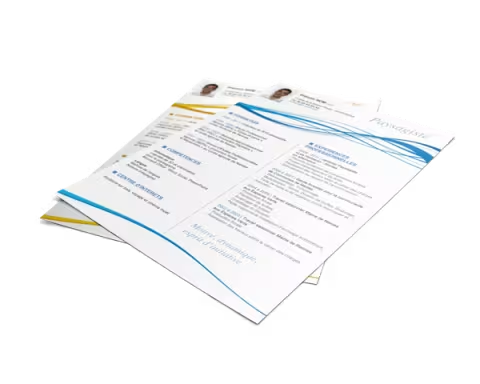
We help you present your international CV. Our sections are specifically tailored to the particular requirements of English-language and American-style CVs.
We offer English speakers the opportunity to download an international Word resume template from our dedicated website.